

sowhat1639
Joined 4 years ago
Karma
32
Submissions
5
Member since
Apr 27
Joined 4 years ago
I have tried Avidemux already, it surely is powerful, but the UI is rather "old", in the same way than Shotcut, etc.
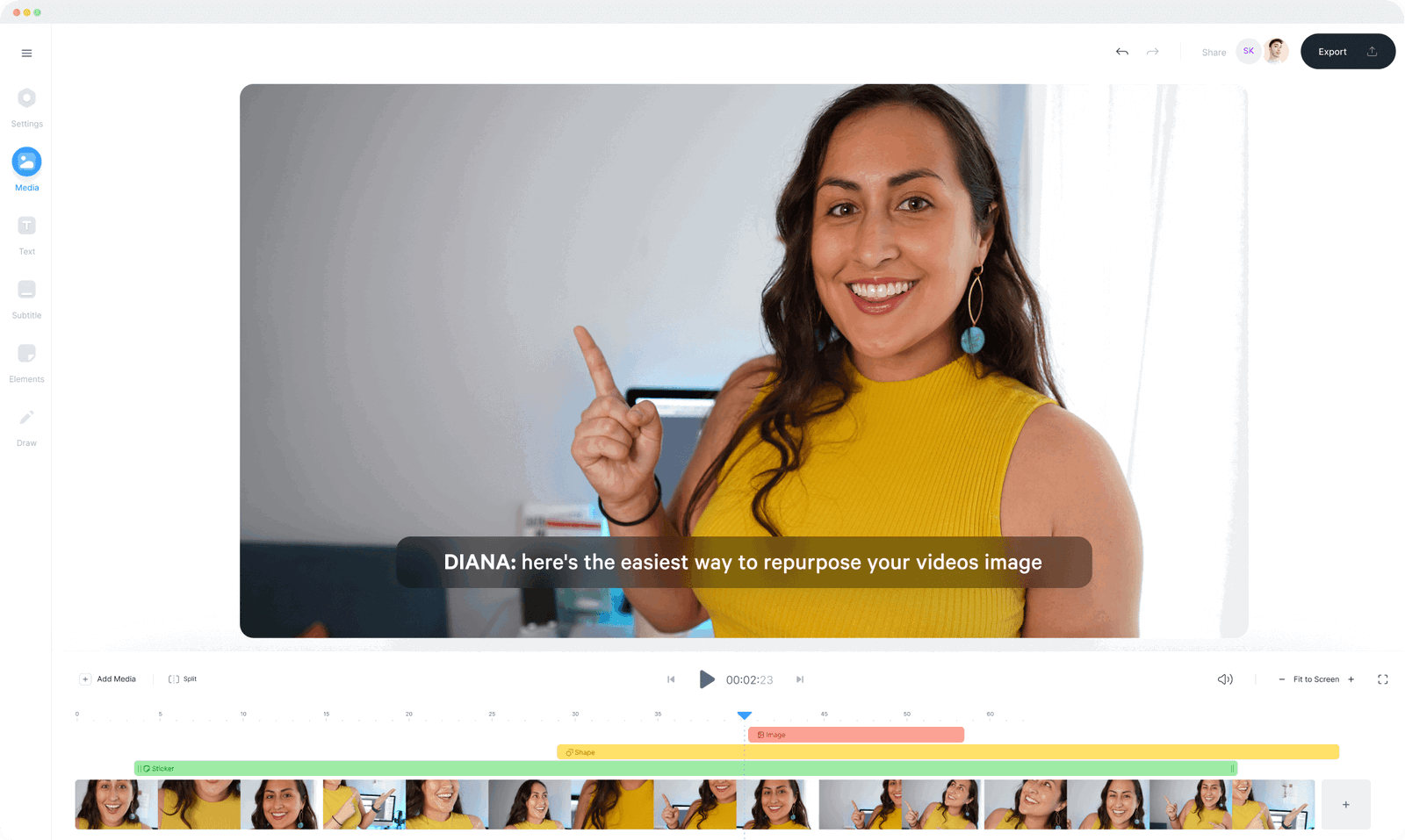
I was looking for someone more modern, a bit like the TikTok app editing feature which is really great (except you cannot export to MP4 at the end, save a project, for future modification...)
The best for small videos would be a simple UI with Text, Media... (left column), timeline (bottom), and export button. Not much more. Here it's a screenshot from veed.io but the pricing is really too high (15$/mo is more than 500$ in 3 years): https://veed-assets.b-cdn.net/images/Webflow/legacy/6026a6dc...
I also tried mebm months ago, but it's not really mature. (Is there a version hosted somewhere? the domain mebm.xyz is no longer available)
Idem for Blender, it is very powerful, but there are a few steps to make it usable in Video Sequence mode. Also it's a detail, but the filepicker (to import MP4 files) is not the Windows native filepicker, so it's not possible to copy/paste a path... All these little things make it less handy, in comparison to other tools.
Would you have an idea for a in-browser tool? (Without the recurring payment thing; I'm ok for a one time payment)
> What steps do you recommend?
Here is a good video about it: https://vimeo.com/76661940 or https://www.youtube.com/watch?v=_uy_nh0ysVk
You have to customize a lot of little things here and there in the UI to make it work "by default" as a video editor when you start the software.