lucgommans
Joined 13 years ago
Karma
975
Submissions
173
Member since
Aug 2
https://lucgommans.nl
View on Hacker NewsJoined 13 years ago
Revolutionary! Finally I don't have to look on a map to find all stations in walking/cycling/driving distance and then route to/from every possible combination of start and end station manually to see what busses and trains run there. And repeat the process with each schedule change in each involved country. Every other transport app that I know of will try to keep you within a few hundred metres of a bus stop or train station at all times and say "there exists no route" before telling you to cycle 10 minutes or from which station you have the shortest remaining distance by taxi or whatever
Yeah this is an oft-asked question at least for OsmAnd, but I was recently corrected on this myself: so long as you don't press 'start' on the route, you can always change the from position freely and it won't flip back to your current location. You can close the navigation window (back button, swipe it away, or tap on the map) to get the map view back in full-screen for further browsing and selecting another point that you want as departure point, waypoint, or (subsequent) destination. Rinse and repeat until you have the route figured out with all the waypoints :)
I use this a lot for planning mapping routes. Another protip is to go into the waypoints view and on the top right you can do traveling salesman sorting to get the shortest way that visits all waypoints
CoMaps/OrganicMaps I don't know; I'm one of those who grew up with OsmAnd and got used to having all those features
In case you have a second device where you'd like location, or ever don't have the USB GNSS receiver on you or something :)
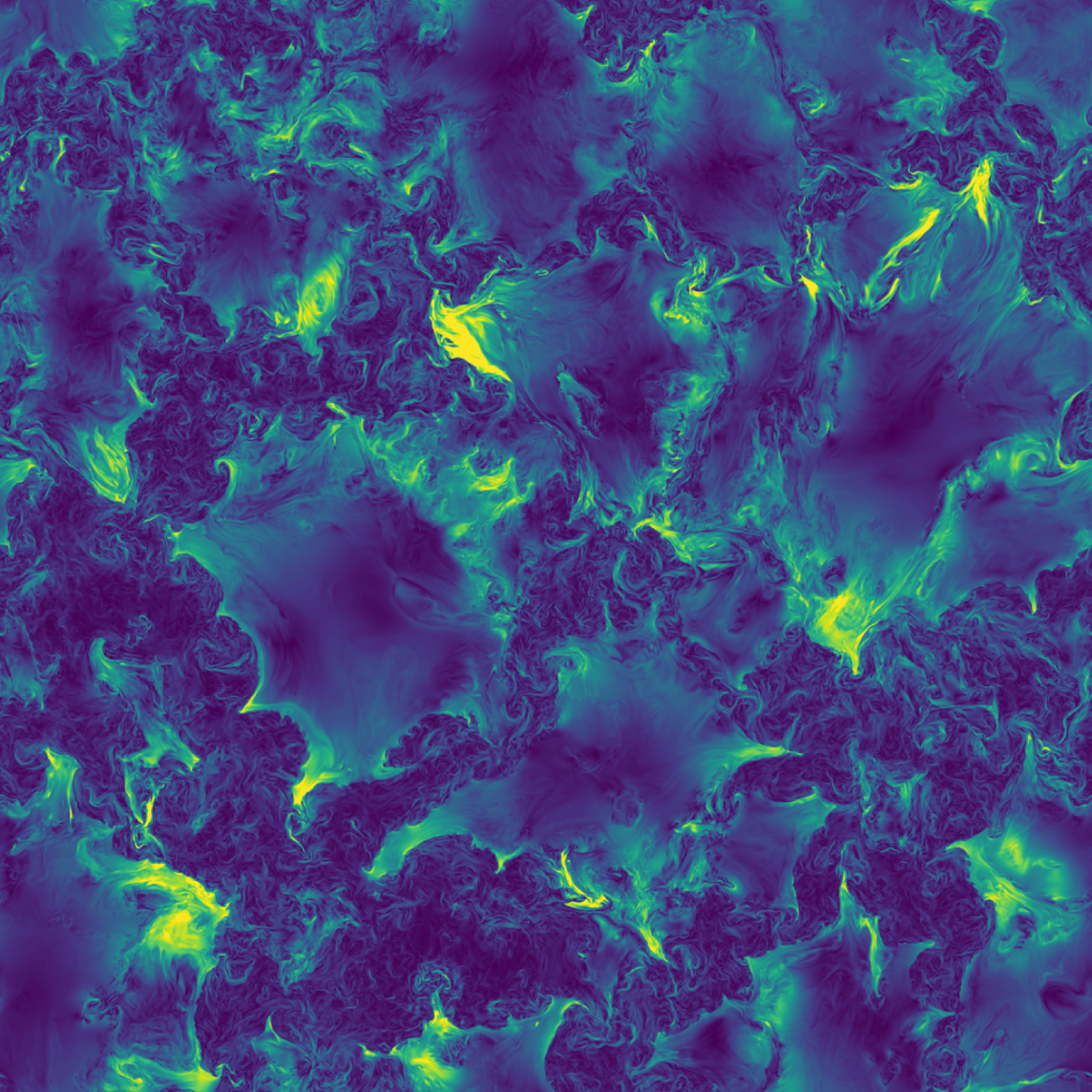
Here are the figure 1 a-c images, lossless as they are in the PDF, having cropped a few transparent pixels for each one: https://lucgommans.nl/tmp/doi_10.1038_s41586-026-10871-3_fig... https://lucgommans.nl/tmp/doi_10.1038_s41586-026-10871-3_fig... https://lucgommans.nl/tmp/doi_10.1038_s41586-026-10871-3_fig...
edit: supplementary video 2 has a panel similar to figure 1b in 10% higher resolution, screenshot: https://lucgommans.nl/tmp/doi_10.1038_s41586-026-10871-3_sup...
Sanitisation is one of two possible defences, the other being script execution controls or sandboxing. E.g., if you serve vector images on a web server, set a Content Security Policy header¹ for all your images that simply denies all scripting. You can also run it from a dummy domain ('origin') with nothing valuable on it (like how domains such as googleusercontent.com and githubusercontent.com are being used)
For sanitisation, DOMPurify² is the only widely used and tested library that I know of. It could use more bindings for other languages but, if you can call into it, it can go in your deployment pipeline. (Disclosure: I've worked with some of the people at Cure53, but not on this project)
You can also combine the approaches for defence in depth
¹ https://developer.mozilla.org/en-US/docs/Web/HTTP/Guides/CSP
There does not seem to be a tag for it yet. That there are apparently hundreds of instances, and it being definitely something you'd want to select for, makes me think it's a good fit for OSM. Currently, hotels can already have tags like phone number, reception opening hours, WiFi fees, etc. It might even be a good fit for the toilets:* namespace, since this has overlap with toilets in (semi-)public spaces offering different levels of privacy
e.g. 10.2.3.4.anyz.one will refer the recursive resolver to query 10.2.3.4 for the answer to the query. You can also buy a domain and configure it to do that, but this is quicker
Disclosure: I wrote anyzone
(Not real affiliation but still: I added a domain to that page at some point)
I'm currently sticking to JPEG because, last time I tried, JPEG came out as the best format. Referencing my memory at https://chaos.social/@luc/113615076328300784
- JPEG has two advantages on slow connections: the dimensions are either stored up front so the layout doesn't jump, or maybe the renderer is better; and it loads a less-sharp version first and progressively gets sharper
- JPEG was way faster when compressing and decompressing
- on the particular photo I wanted to optimise in this instance, JPEG was also simply the best quality for a given filesize which really surprised me after 32 years of potential innovation
Regarding AVIF, my n=1 experience was that it "makes smooth gradients where jpeg degrades to blotchy pixels, but at decent quality levels, jpeg preserves the grain that makes the photo look real". Gradients instead of ugliness at really small sizes can be perfect for your use-case, but note that it's also ~80 times slower at compression (80s vs. <1s)
JpegXL isn't widely in browsers yet so I couldn't use it
> These days, the [JPEG] format is similar to MP3
The difference with mp3 is that Opus is either a bit better or much better, but it's always noticeably better.
You can save ~half the storage space. For speech (audio books) I use 40kbps, and for music maybe 128kbps which is probably overkill. And I delete the originals without even checking anymore if it really sounds the same, I noticed that I simply can't tell the original apart in a blind test, no matter what expensive headset setup I try
TFA attributes it to a simple "they were first" advantage, but I think this is why "Why JPEGs still rule the web": no file format is better than JPEG in the same way as Opus is better than MP3; in that you don't have to think about it anymore and it's always a win in either filesize or quality
That said, Opus is also annoyingly hard to get into people's minds, but I've done it and you also see major platforms from compress-once-serve-continuously video (e.g. Youtube) to VoIP (e.g. Whatsapp) switching over for all their audio applications
Genuinely trying to think of an examples, since e.g. books aren't ever that long and search results don't have that many pages (that you'd all read and refer back to). A salary range, perhaps, can get into the seven digits in extreme cases (not that you care about any individual digit when you make a lifetime's worth of money in a bit more than a year): "Prospective salary is 2'423'000 to 2'432'000" seems to convey the relevant info as well as "Prospective salary is 2'423'000 to 9'000" does (except that I wouldn't understand the latter and ask what this second number means, but that's plausibly attributable to me as an individual not being used to it)