lovethevoid
Joined 2 years ago
Karma
438
Submissions
197
Member since
May 31
Joined 2 years ago
The combination of limited file availability (reducing the ability to report bad actors), as well as Firefox urls being inherently trusted within orgs (bypassing a lot of basic email/file filtering/scanning), was the reason it became so popular for criminals to use. Like we've seen in the spearfishing attacks in India[1].
[1]: https://www.amnesty.org/en/latest/research/2020/06/india-hum...
I just don't see how any of that aligns with Bridge, not when Stripe has already been implementing crypto related features and is well positioned to offer everything Bridge does without the $1B purchase cost for a company that can only get valuation at 200m.
I'm guessing if it's really Resist Fingerprinting on Firefox (something Mullvad also has on by default), then there are other settings that aren't being enabled causing the issue. Mullvad actually lists the settings related to resisting fingerprinting here - https://mullvad.net/en/browser/hard-facts
But yes, without javascript a lot of tracking functions fail to operate. That is good for privacy, and EFF notes that on the site.
You can fix your UA to a common value, it's about providing the least amount of identifying bits, and randomizing it just provides another bit to identify you by. Always remember: an absence of information is also valuable information!
From experience, a lot of the things people do in hopes of protecting their privacy only makes them far easier to profile.
You kind of have to go out of your way to not have your keys backed up. By default, the easiest route is using your android or iphone and both of them back the keys up using icloud Keychain or google password manager. 1Password, bitwarden, all support syncing. Chrome will allow saving it to icloud or your google account. Keepass can be manually synced. Windows is adding sync in the next update for windows hello. List goes on.
The other thing is that multiple keys can be created. Easiest way to see this in action is google's account security settings. Log in (if you have an account), hit create passkey, see your options and play around with them. You'll also see you can add a hardware security key too, which isn't nothing new but if you have one that's another key that doesn't rely on a mobile device!
If all else fails, the usual account recovery process applies. Much like it would if you forgot your password.
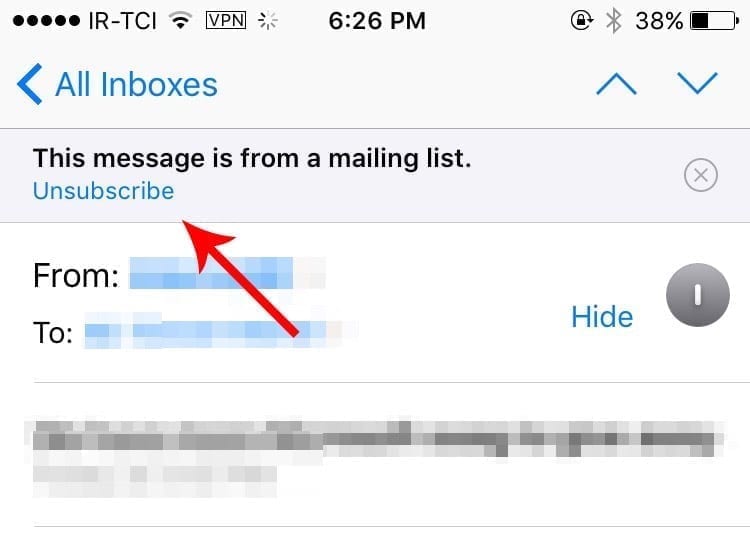
Also most clients provide an unsubscribe button at the top too.